Put your brand identity online, at one link
A brand identity page is where your identity lives on the web: your logos, colours, typography, usage rules and files on one page with one address. Melon Cut Guidelines builds it from what you add and publishes it at meloncut.com/yourbrand, so anyone who works with your brand starts from the same source.
- address for your whole identity
- 1
- kinds of brand foundation
- 16
- colour values: HEX, RGB and CMYK
- 3

Brand identity page, step by step
Add your identity
Put your logos, colours, fonts, documents and rules into the Guidelines editor, in your web browser.
Publish the page
Save & publish puts your identity page live at meloncut.com/yourbrand, in your brand's own colours and fonts.
Send the address
Designers, agencies, printers and partners open it to copy colours and download the exact files they need.
What a brand identity page holds
A page is only useful if it answers what people actually ask. Yours holds the parts of your identity in the order they are needed, each in its own section.
- Your logos, with downloads in the formats people ask for
- Your colours, each with a HEX, RGB and CMYK value to copy
- Your typography, with type samples and font files
- Your usage rules, written beside the assets they are about
- Your brand foundation: mission, vision, values, voice and more
One address instead of many attachments
People look for a brand's logo and colours in old emails and shared folders. An identity page gives them one address to open, and the same page to every person, so nobody works from an outdated copy.
Public or private by link
A public identity page is listed in the Melon Cut directory and can be found by search engines. A private one opens for anyone who has its link, and is not listed or indexed.
Brand identity page: the details
- Address
- meloncut.com/yourbrand
- Colour values
- HEX, RGB and CMYK
- Logo downloads
- Originals, or PNG, JPEG, PDF, WebP and GIF
- Foundation
- 16 kinds, from mission to voice and tone
What is a brand identity page?
It is one web page that holds a brand's identity - logos, colours, fonts, rules and files - at an address you can share, so everyone who uses the brand opens the same current version.
Is a brand identity page the same as brand guidelines?
It is where your brand guidelines are published. The guidelines are the content - your assets and rules - and the page is how people open them.
Who can open my identity page?
Anyone with the address. A public page is also listed in the directory and can be found by search engines; a private one is shared by link alone.
Works well with
 Brand guidelines
 website
Logos, colours, fonts and rules at meloncut.com/yourbrand.
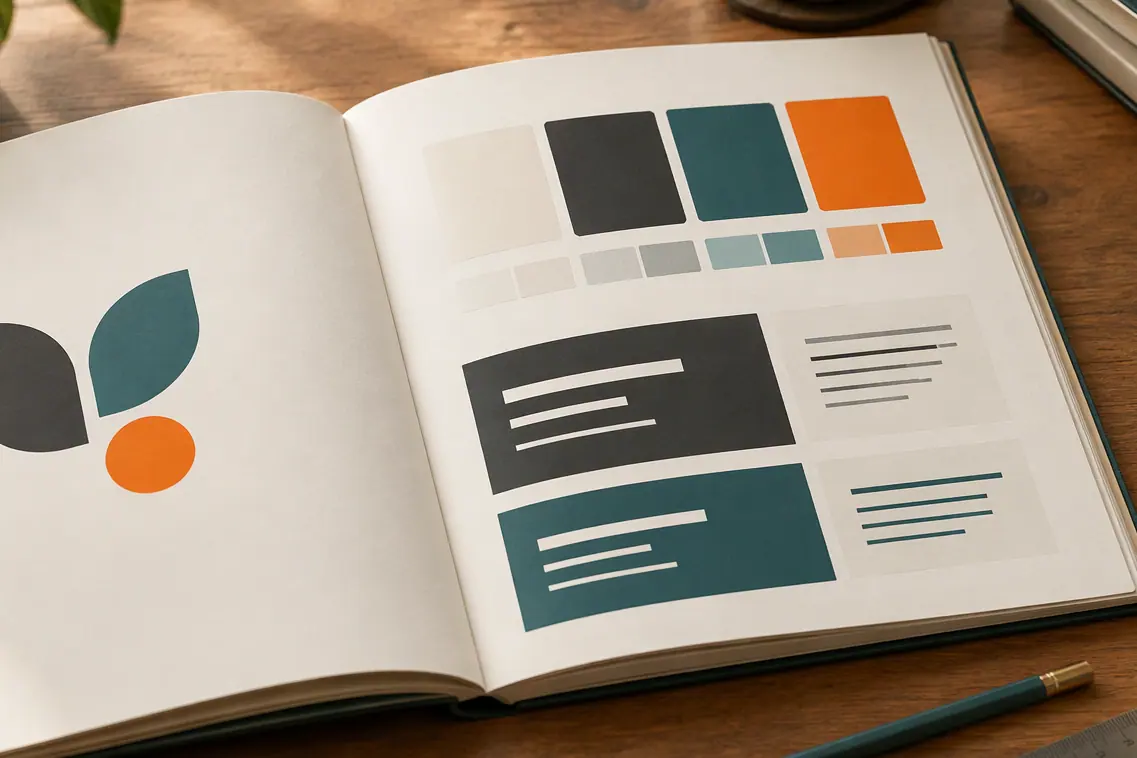 Brand guidelines
Online brand book
A brand book on the web that changes the moment you publish.
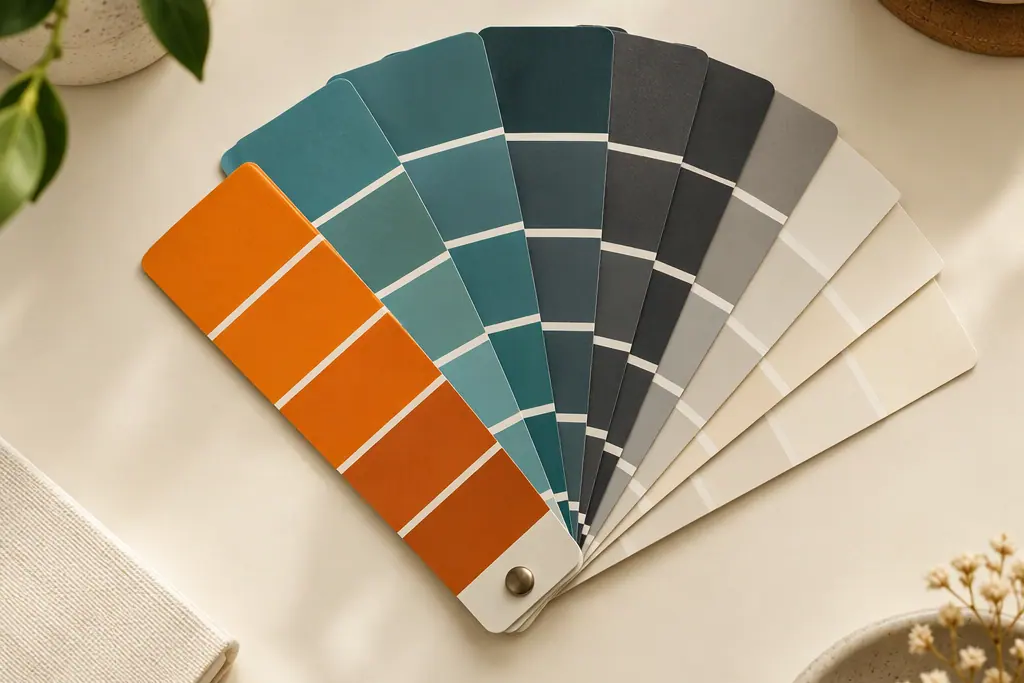 Brand guidelines
Brand kit link
Your brand kit at one link, for designers, printers and partners.
 Brand guidelines
Logo download
Original logo files, or converted PNG, JPEG, PDF, WebP and GIF.
People also ask
- Brand guidelines What are brand guidelines? Brand guidelines are the rules for how a brand looks and sounds: which logos to use and how, the exact colours and fonts, the style of its imagery, and the voice and tone of its words. They let designers, agencies, staff and partners make work that looks like the same brand every time, without having to ask.
- Brand guidelines Brand guidelines PDF or website: which is better? A website is usually the better home for brand guidelines people use every day: there is only ever one current version, and colour codes can be copied and files downloaded from the same page. A PDF still suits a fixed snapshot, such as a print handover. Keep the website as the source and hand out a PDF only when someone needs one.
Put your brand at one link
Your logo, colours, fonts, rules and files on one page with one address.