Your brand identity, at one link
Put your logos, colours, fonts and rules on one page that designers, agencies, printers and partners can open, copy from and download - and keep it up to date as your brand changes.
- Free to start, for every brand
- A public page and your own address on a paid plan

- 16
- kinds of brand foundation, from mission to voice and tone
- 5
- logo formats to download: PNG, JPEG, PDF, WebP and GIF
- 3
- colour values for every colour: HEX, RGB and CMYK
- 50
- photos watermarked at once, free, in your browser
From a folder of files to one link
Everyone who works with your brand needs the same logos, colours and fonts. Keep them in one place and send a link instead of an attachment.
-

Add your brand
Upload your logos, set your colours and fonts, and write your rules in the Melon Cut Guidelines editor.
-

Publish it
Publish your guidelines at meloncut.com/yourbrand, in your brand's own colours and fonts. Change something and publish again.
-
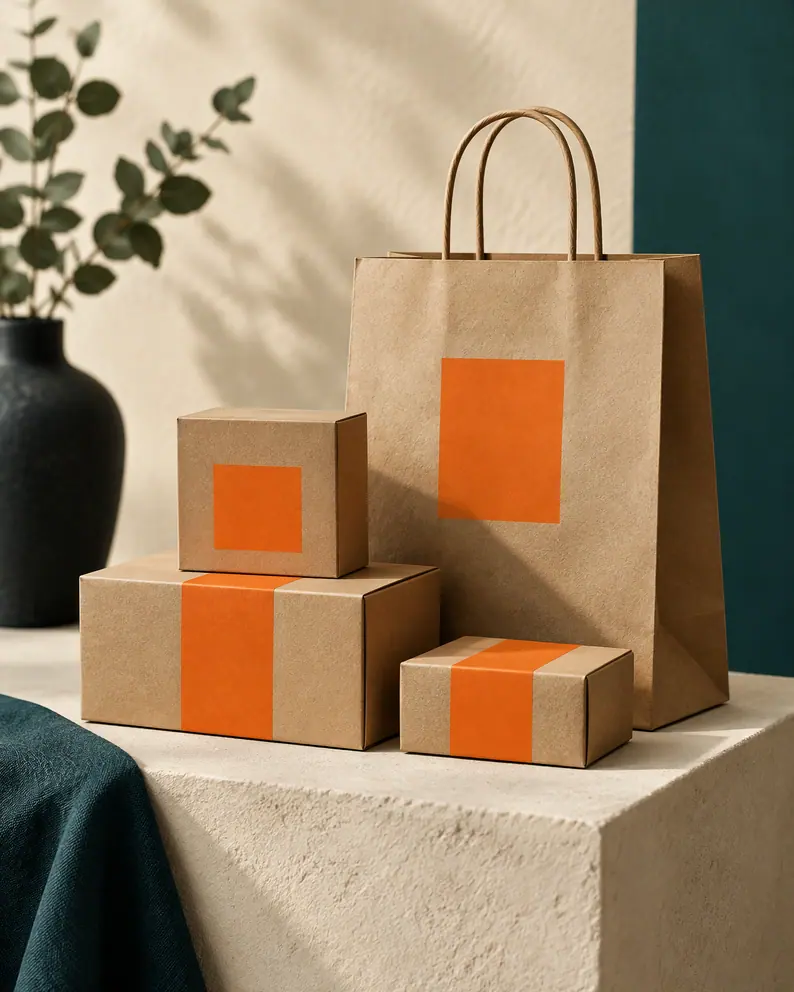
Share one link
Send the link to designers, agencies, printers and partners. They copy colours and download files themselves.
Everything a brand needs to share, in order
Each part has its own place and its own page that explains it: what it does, how to use it and the questions people ask.
 Brand guidelines websiteLogos, colours, fonts and rules at meloncut.com/yourbrand.
 Brand identity pageYour logo, colours, fonts, rules and files on one page with one address.
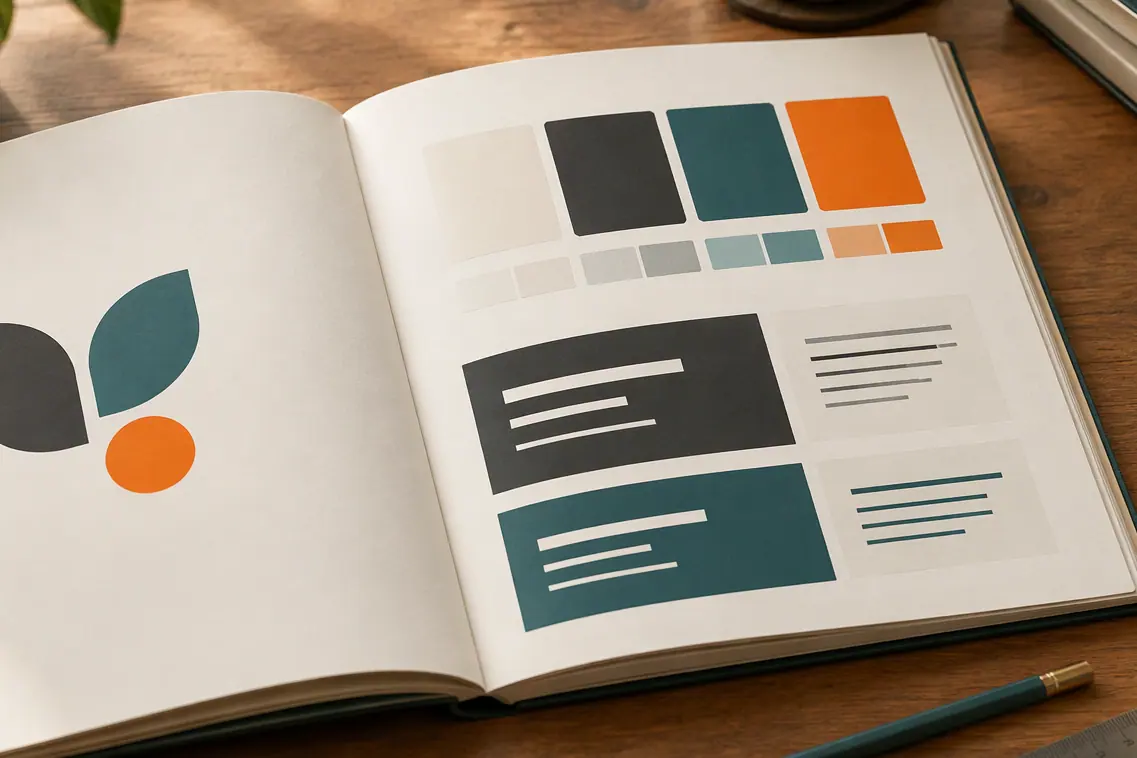 Online brand bookA brand book on the web that changes the moment you publish.
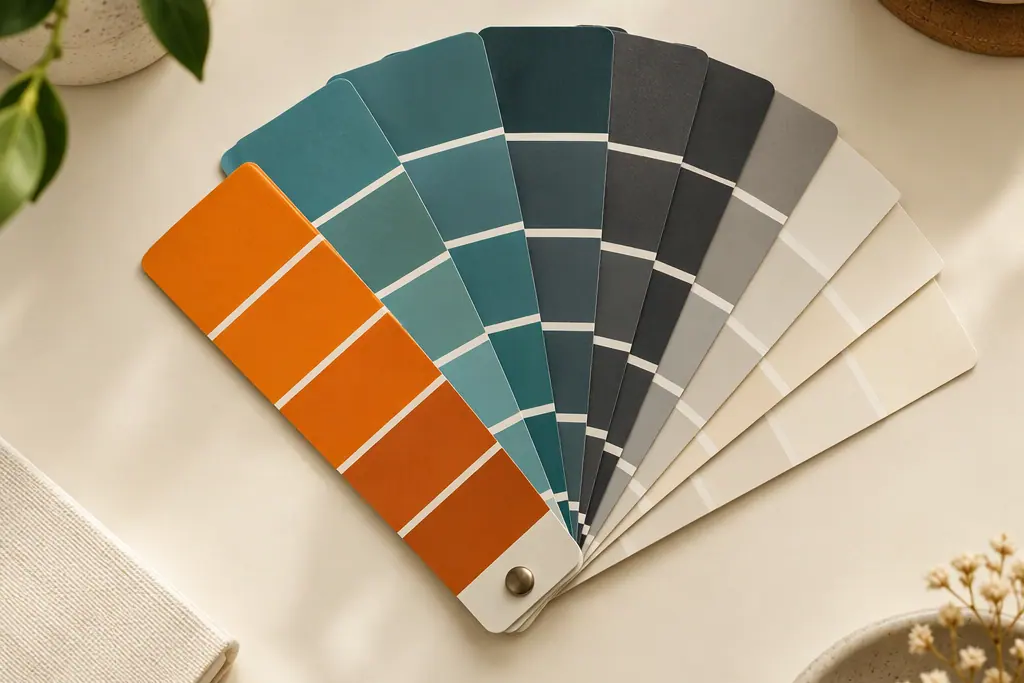 Brand kit linkYour brand kit at one link, for designers, printers and partners.
 Brand guidelines makerBuild guidelines on the page itself, in your web browser.
 Logo downloadOriginal logo files, or converted PNG, JPEG, PDF, WebP and GIF.
 Brand color paletteColour swatches with HEX, RGB and CMYK, each with Copy.
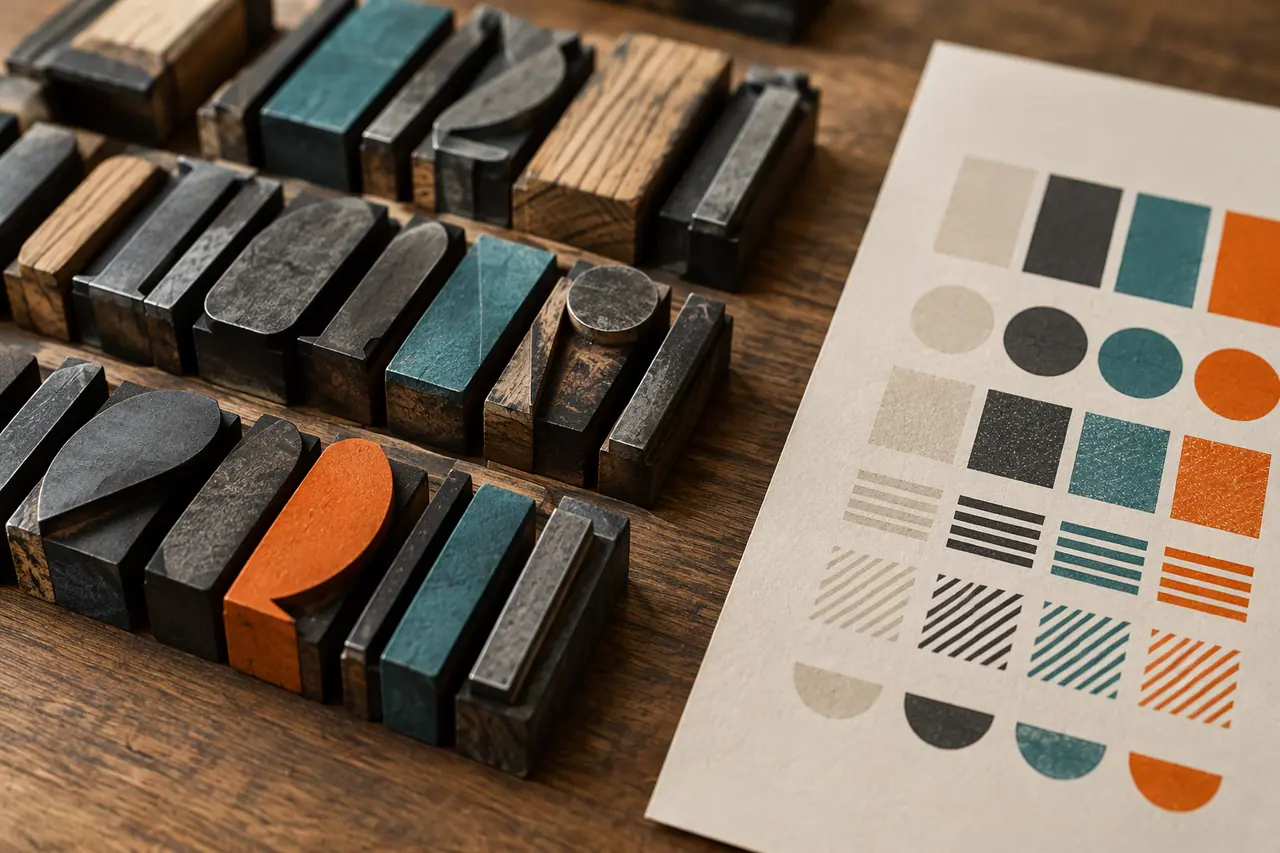 Brand typographyLive type samples, font roles and downloads where allowed.
 Brand asset libraryLibraries of every brand asset, filtered by market and tag.
 Brand foundation16 kinds of foundation, with notes and per-market versions.
 Brand voice and toneVoice, personality, terminology and key messages, written down.
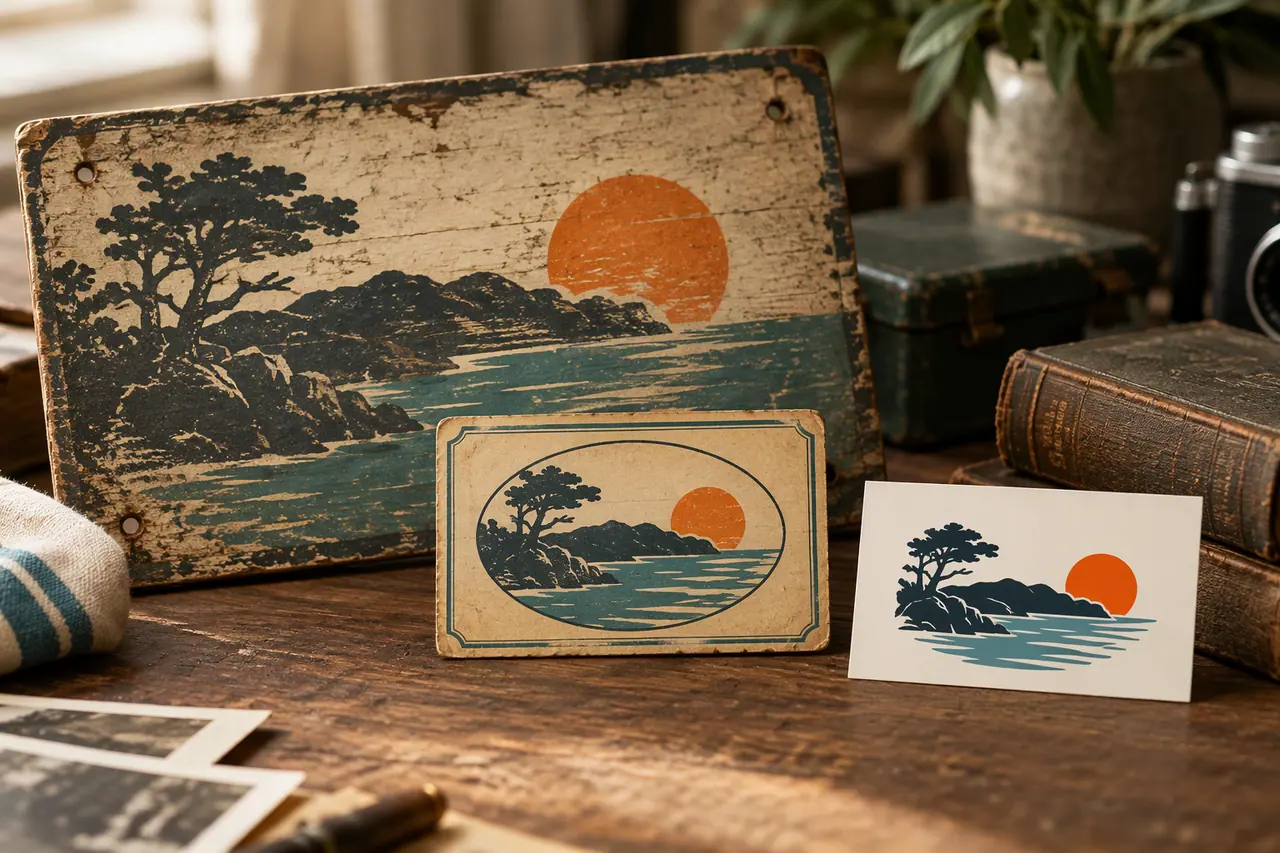 Brand historyEvery identity on a timeline, with the current one marked.
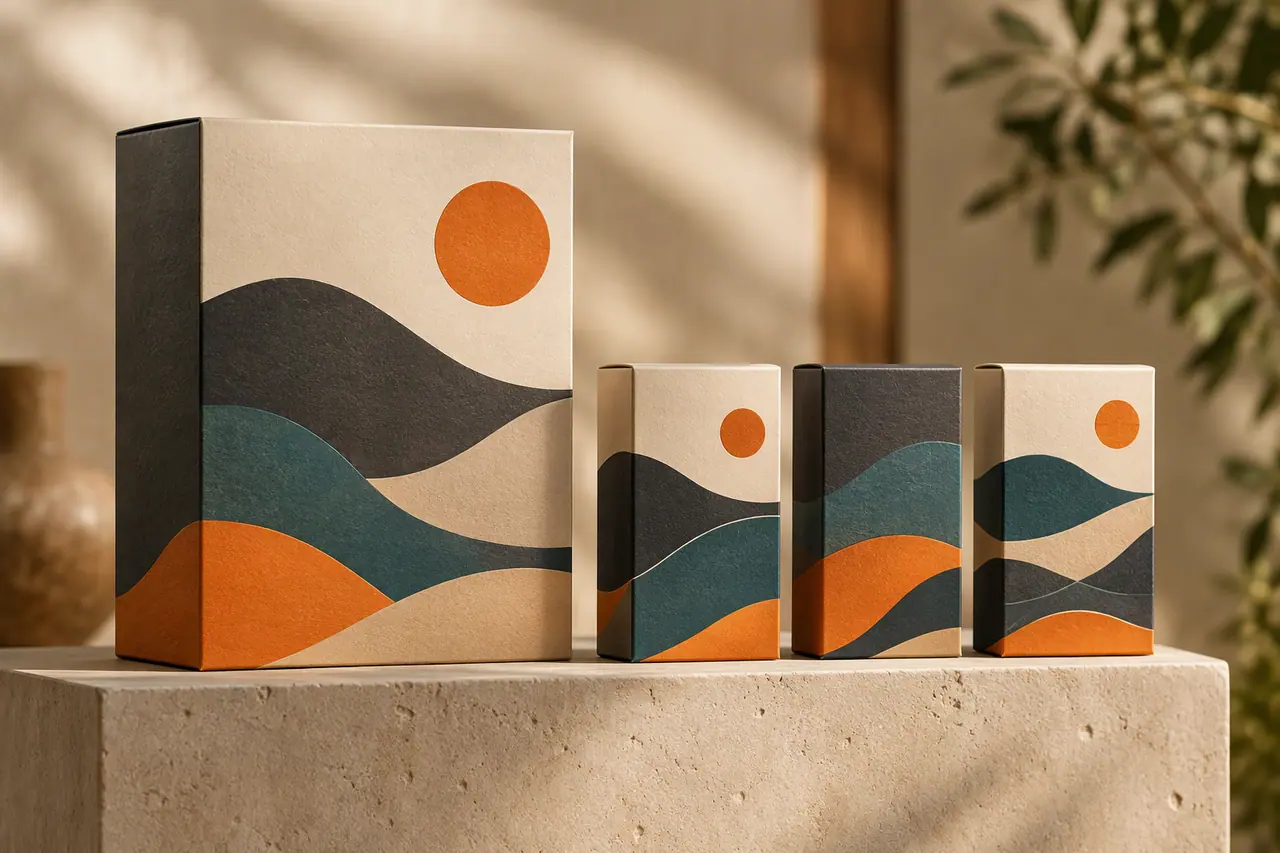 Brand familiesParents, sub-brands and related brands, linked on every page.
 Brand directoryPublic brands, searchable, each linked to its guidelines.
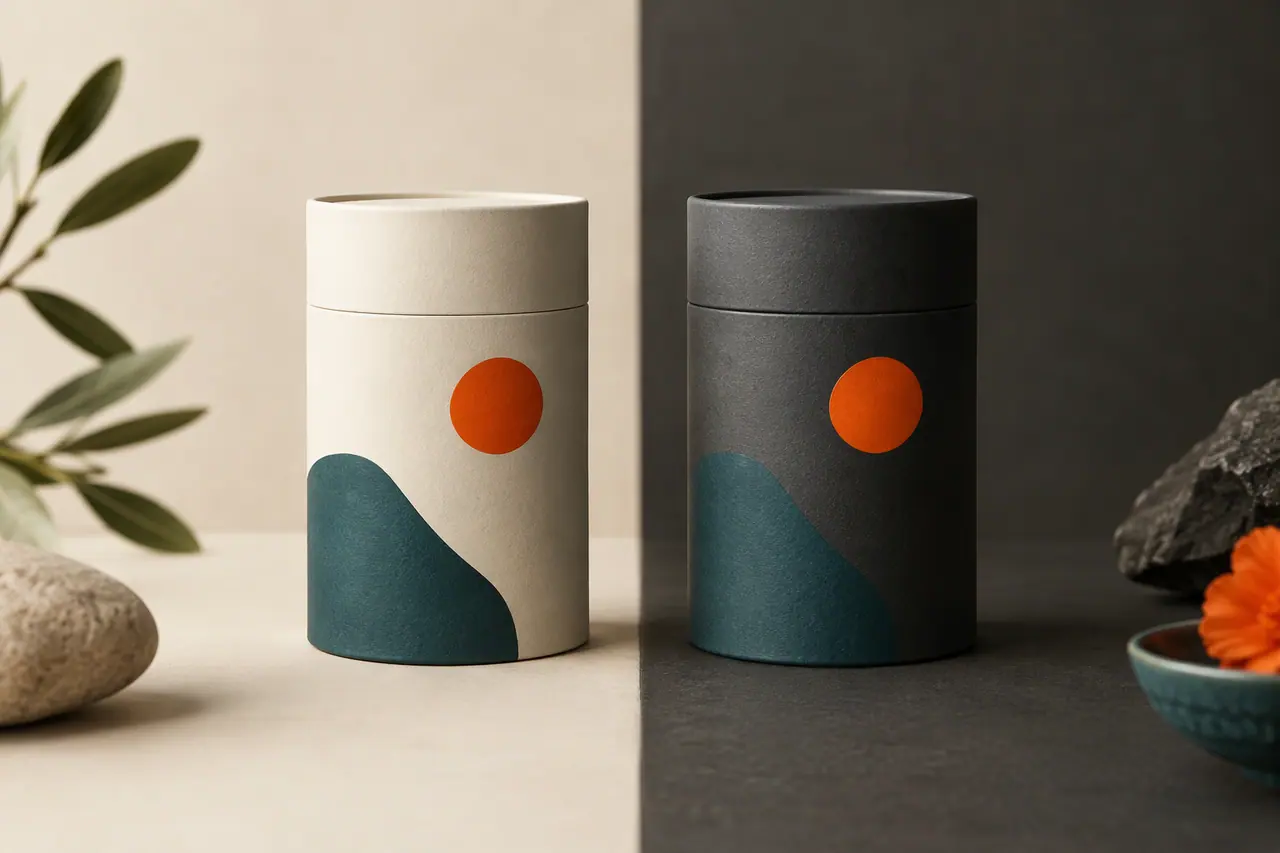 Brand systemsComplete looks: 10 colour slots, 3 fonts and 4 logos.
One brand page for everyone who handles your brand
Designers
Every logo file, colour and font of the brand in one place, as originals or converted to PNG, JPEG, PDF, WebP or GIF.
Logo downloadsAgencies
A brand page for each client, and brands grouped as a family of a parent and its sub-brands.
Families of brandsBusinesses
Publish your identity once and every new hire, freelancer and partner opens the current version.
A guidelines websitePrinters and partners
Colour values in HEX, RGB and CMYK to copy, and the files they ask for, from a link instead of an attachment.
Colour palettes
Watermark your photos with your logo
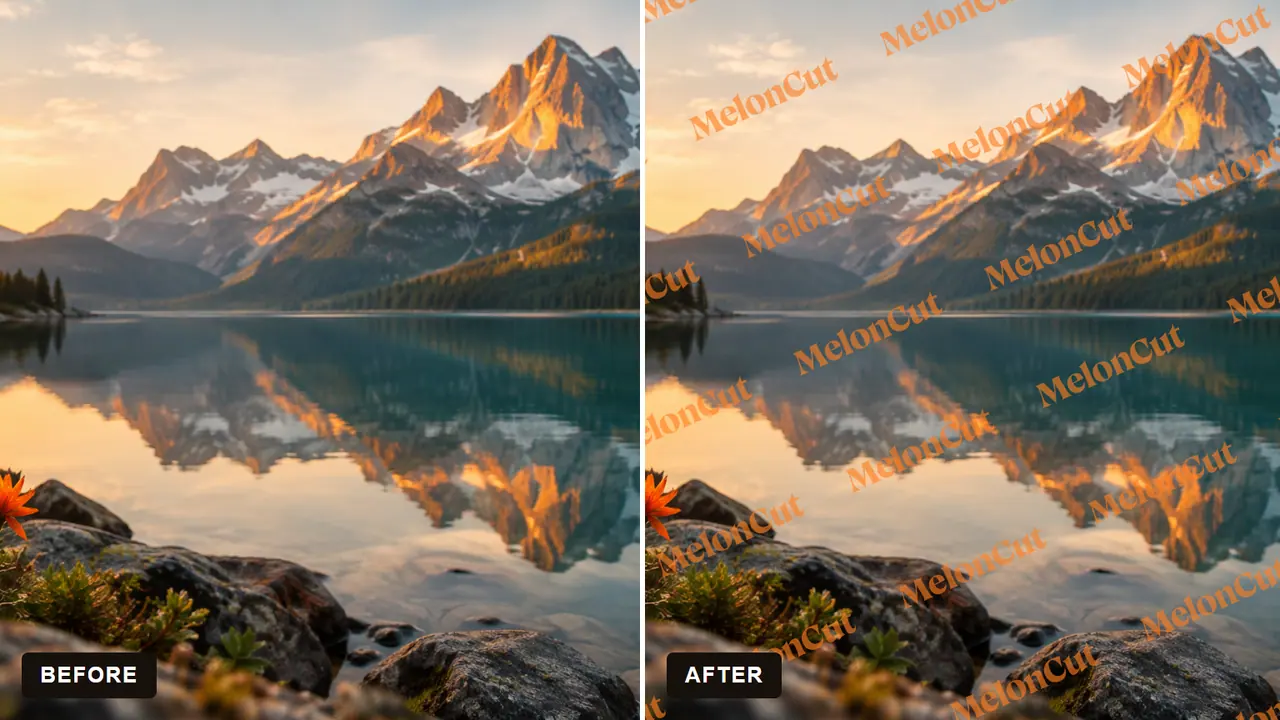
Your logo on one photo or many: free, in your browser, nothing uploaded. A tool for your brand that needs no AI and no account: open it and use it.
- One photo, or up to 50 at once
- A single mark where you place it, or repeated across the picture
- Drawn in your browser: no picture is uploaded
- Each result at the picture's original size




Start free. Grow brand by brand.
- Melon Cut Guidelines
Free for every brand
Every brand gets its own guidelines editor, asset library, foundation and themes for free. Make a brand public, give it its own address and team from $5 per brand a month.
- Melon Cut tools
Free with no account
The Watermark tool puts your logo on your photos in your own browser: no plan, no sign-in, and no picture uploaded. See the tools.
What is Melon Cut?
Melon Cut is brand guidelines, and tools for a brand that need no AI. Melon Cut Guidelines keeps your logos, colours, fonts, rules and brand foundation in one place and, on a paid plan, publishes them at meloncut.com/yourbrand. The Watermark tool puts your logo on your photos for free, in your browser. Pictures made with AI come from Cutlin, a separate product that follows your Melon Cut guidelines.
Read the full answerIs Melon Cut free?
Yes, to start. Melon Cut Guidelines has a Free plan: you can keep private draft guidelines for up to 10 brands. Paid plans, priced per brand, add public guidelines and a custom username and address. The Watermark tool is free for everyone, with no account. Melon Cut sells nothing made with AI: that is Cutlin, a separate product with plans of its own.
Read the full answerWhat are brand guidelines?
Brand guidelines are the rules for how a brand looks and sounds: which logos to use and how, the exact colours and fonts, the style of its imagery, and the voice and tone of its words. They let designers, agencies, staff and partners make work that looks like the same brand every time, without having to ask.
Read the full answerBrand guidelines PDF or website: which is better?
A website is usually the better home for brand guidelines people use every day: there is only ever one current version, and colour codes can be copied and files downloaded from the same page. A PDF still suits a fixed snapshot, such as a print handover. Keep the website as the source and hand out a PDF only when someone needs one.
Read the full answerHow do I share brand assets with a designer or agency?
Share one link to your brand guidelines instead of emailing files. A designer or agency needs your logo files in several formats, exact colour codes, your fonts or their names, examples of your imagery and the rules for using them. Keeping all of it on one page means they always take the latest version and don't have to ask again.
Read the full answerIs there a Melon Cut app?
No. There is no Melon Cut app to install. Melon Cut runs in a web browser: the Guidelines editor, the published brand pages and the Watermark tool all open on a computer, a tablet or a phone, with nothing to download first. You sign in to use the editor; a brand's page and the tools need only their link.
Read the full answerReady to put your brand at one link?
Start with your logo and colours, add the rest as you go, and share one link when you are ready.